Professional Servers
I envy those who own professional servers at home, such as the HP MicroServer Gen10.
There’s no need to meticulously calculate every bit of CPU and memory performance; you can deploy all the application services you want at once and use them stably for a long time.
So far, I only have a few scattered old devices that I use as my homelab.
What I want to say is, the best way to try homelab is to just start trying, for example, with an old laptop.
Old Laptop
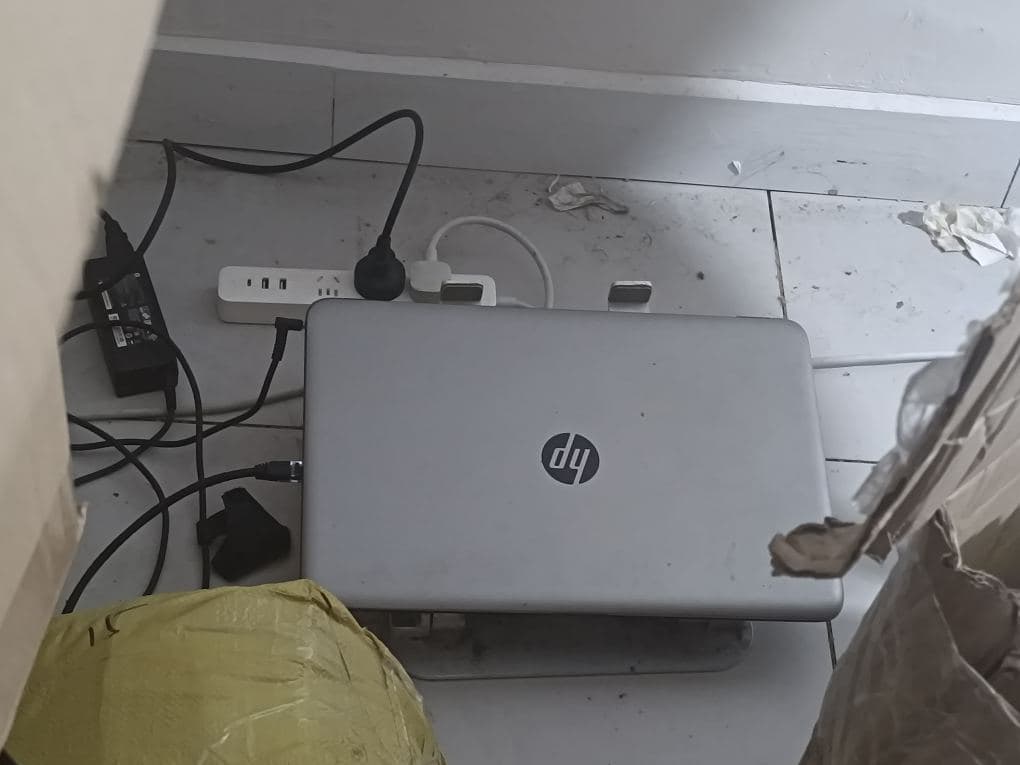
This is a ten-year-old laptop that I left in a box for three years without using, completely idle.
Now I’ve taken it out again, installed Linux (Ubuntu Server), and am using it to deploy open-source Docker applications.
What I want to say is, when I used to install Windows on it as my main machine, typing while programming was always laggy, barely managing some simple front-end development.
Later, I got a new computer, disliked its slowness, and never used it again.
Until recently, due to privacy concerns and cloud service costs, I pulled out this old laptop that had been idle for several years. Although it only has 4GB of RAM and a 128GB HDD, if I install Ubuntu Server without a desktop environment, it won’t be laggy at least.
I’ve migrated and deployed Matrix (chat service), Umami (website analytics), and WordPress (independent blog) (2 instances) on it.
The above 3 open-source applications (4 services) are currently running normally on this old laptop (for over three months now). I use WireGuard to proxy traffic from my cloud server to my local machine, then access it via a public domain.
Speaking of which, I still remember paying $15 a month for a cloud server, and installing just one WordPress instance made it extremely slow, even SSH was laggy. Back then, I didn’t understand the technology and thought it was a network issue. Later, I realized it was purely because the cloud server’s CPU and memory were extremely small, like 1 core, 1GB RAM, and it was even shared memory.
For the same price, over a year, you could buy a local mini-host dozens of times more powerful, and your data would be in your own hands, not destroyed because the server subscription wasn’t renewed or due to a fault.
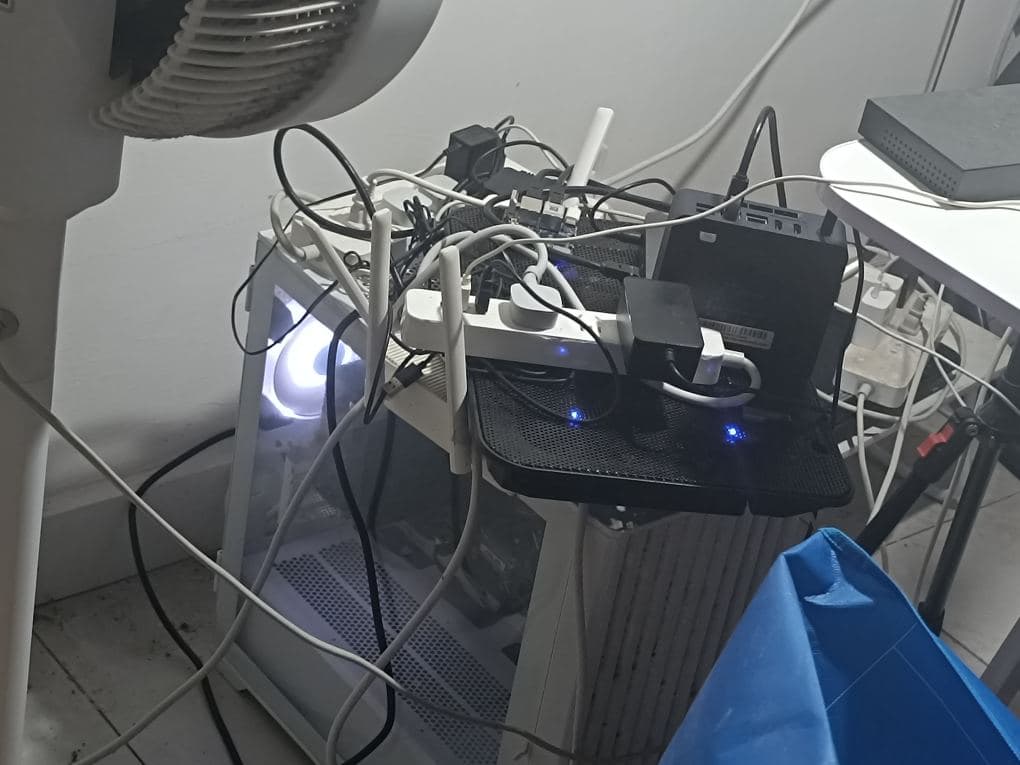
Old PC Host
The top part is a cooling pad and router, the bottom is a large case PC host, but it has no graphics card, and the motherboard has no display output.
Without buying a display card, it’s only suitable for use as a Linux server. Originally, I wanted to install PVE to set up multiple virtual machines, because this host has a 1TB SSD, 32GB RAM, and an Intel i7-like CPU, which is enough to virtualize Windows, Linux, Home Assistant, OpenWrt, and other related systems.
Unfortunately, because historical data is important enough, but I didn’t plan well initially and was too lazy to back up, it’s still a Linux system and PVE hasn’t been installed.
In the future, if I have money, I can buy a graphics card with large VRAM and specifically use it as an AI server. I’m currently very keen on local large models and AI workflows related to images and videos.
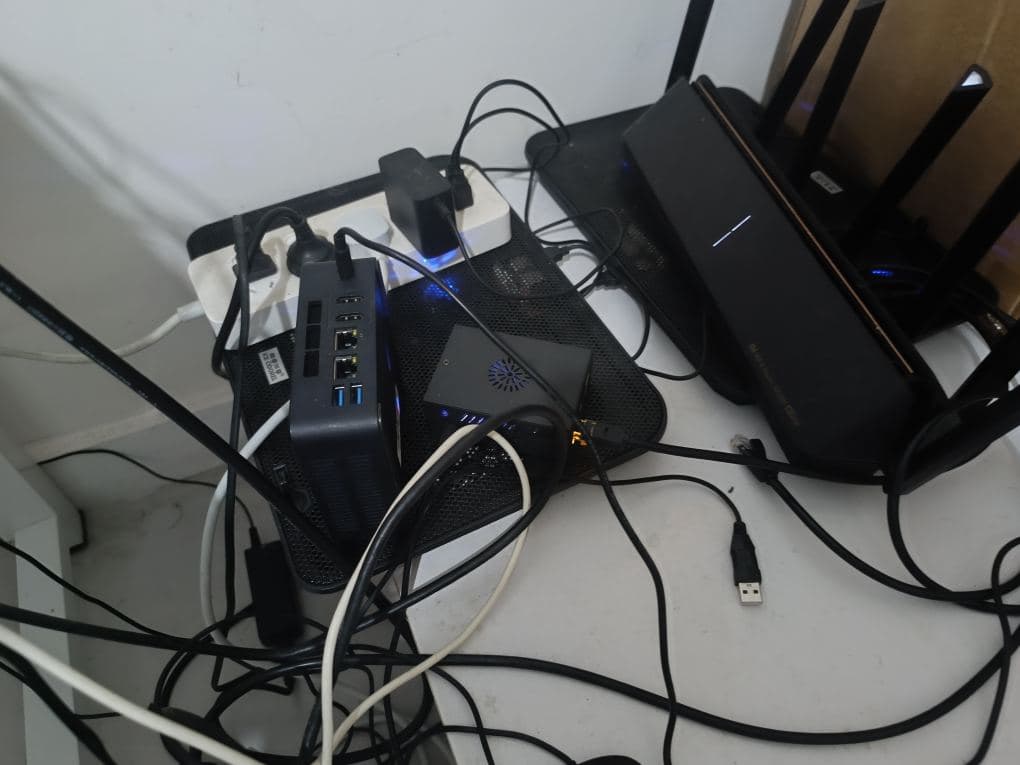
Mini PC and Orange Pi Development Board
I used to have Raspberry Pi 5, Raspberry Pi 4, Raspberry Pi 3, totaling 10 Raspberry Pis.
But due to financial issues, I sold them as second-hand goods because Raspberry Pis are easier to sell, whereas Orange Pis are not, due to their poor software ecosystem.
However, the Orange Pi 3B happens to have the low power consumption and SSD interface that I like, and as a Linux server, the software ecosystem becomes less important.
My Orange Pi 3B 8GB, I installed the official Orange Pi Ubuntu Server, with a 512GB disk.
It is currently stably running Minio (S3 file storage), Gitea (Git version control), and Showdoc (API documentation, Markdown documentation).
It has been running stably for one or two years. I use Showdoc almost every day, and all my business, such as blogs, videos, and other files, use Minio. Additionally, all core code is uploaded to Gitea (to avoid issues with GitHub, etc.).
It can be said that if my Orange Pi 3B 8GB is shut down or loses network connection, about 70% of my main business essentially collapses. If the data were lost, it would be a disaster.
The mini PC on the left, x86, after consideration, I installed Windows + WSL2 (Ubuntu Server system). The main business is deployed in Ubuntu Docker. Currently, I’ve only deployed Miniflux as my RSS feed source. No matter how many years pass, I am always organizing and needing my exclusive high-quality information.
Future homelab Docker experiments will also primarily be tried on this mini PC, because x86 has good compatibility and high performance.
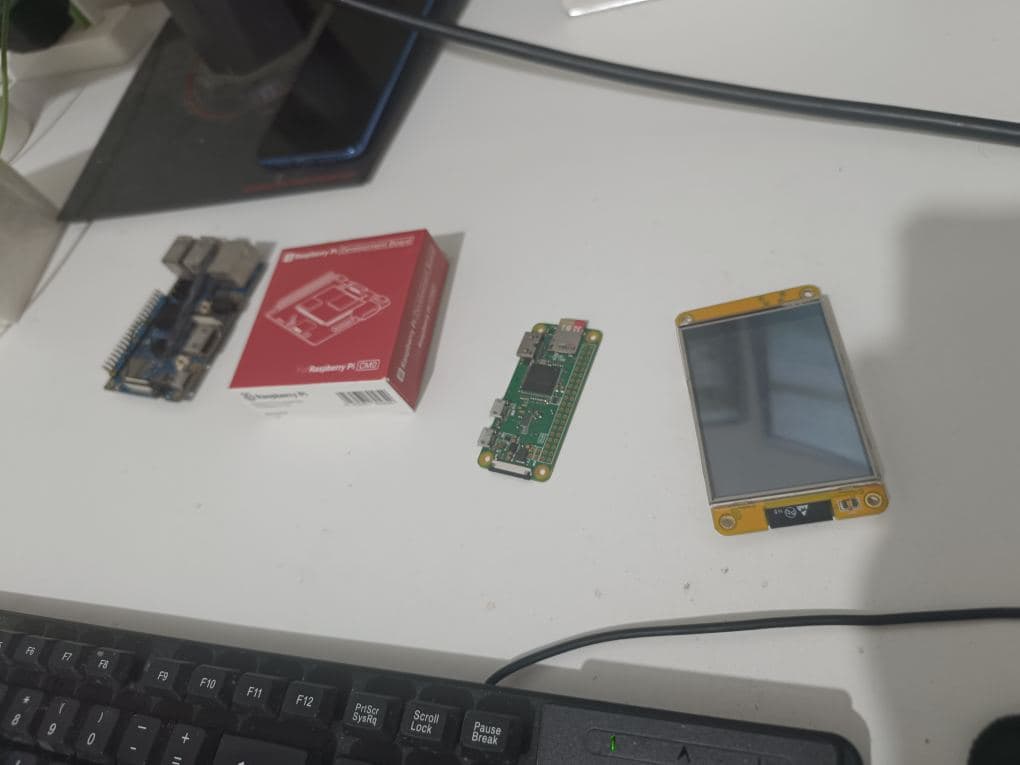
Other Development Boards
There are also some lower-performance ones, such as the Raspberry Pi Zero W. I bought it 7 years ago, it was idle for 7 years, and it’s still very useful now.
There’s also a Raspberry Pi CM0, which is basically the same as the Zero W, and another Orange Pi 3B, but it only has 2GB (I used it to install ARM PVE, and then PVE installed Home Assistant).
There’s also an ESP32 “little yellow board,” which cannot install an operating system but works very well with Home Assistant.
These are more suitable for machine vision and video surveillance. I don’t have many related needs right now, so they are temporarily idle. Later, I will focus on whole-house smart systems, security, car systems, and cloud phones, among other attempts.
There are still nearly dozens of ESP32, ESP32 C3, ESP32 S3, ESP32 8266, and several sensors that haven’t been taken out yet, and I will organize them one by one later.