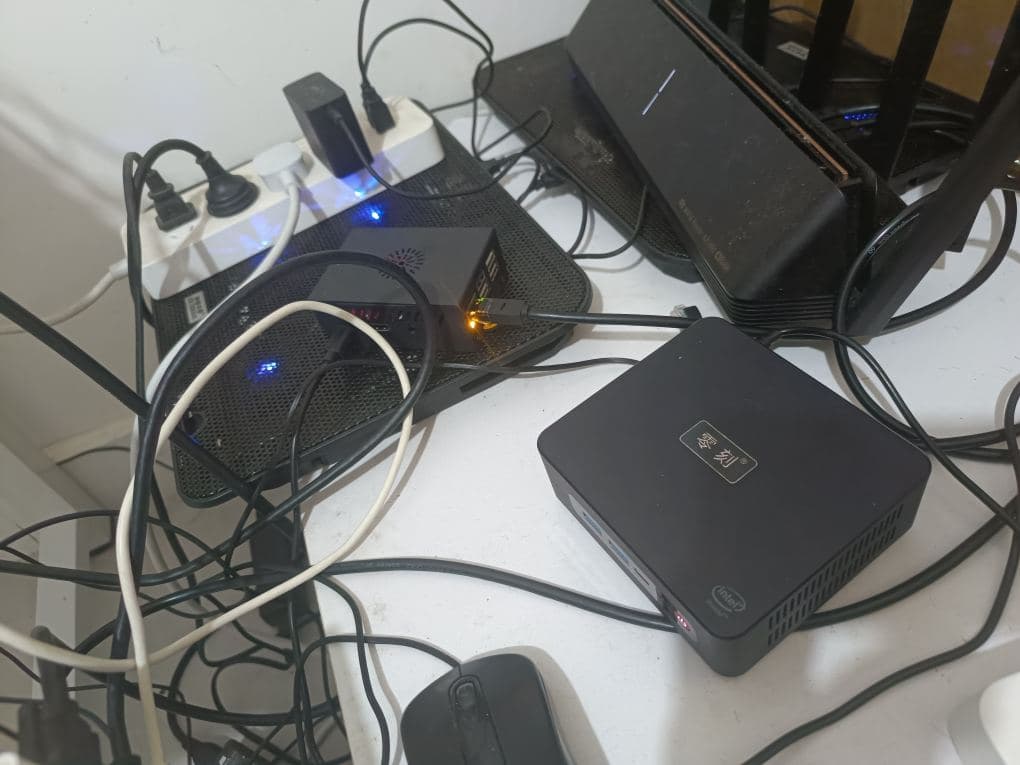
Low-Power Mini PC
When discussing homelabs, I’ve noticed many online videos feature rack servers with an abundance of cores and massive memory.
However, these servers are also large, consume a lot of power, and are generally noisy. Without a dedicated server room or an isolated space, they can be a disaster for home use.
Temperature is another concern, especially in summer. Overheating can not only cause machines to throttle and crash but also poses a fire hazard.
That’s why, up to now, I’ve primarily used smaller mini PCs and ultra-compact development boards like Raspberry Pi or Orange Pi.
Of course, compared to professional rack servers, their price is relatively lower. They are also more convenient for future moves, reselling, or carrying around.
Why Windows?
Few people would use a home version of Windows as part of their homelab server because it constantly updates and reboots unexpectedly, frequently has port conflicts, often displays strange blue screens, or encounters incompatible drivers (which Linux handles fine), and consumes an extremely large amount of memory.
Given these issues, why do I still choose to use Windows desktop (not Windows Server)?
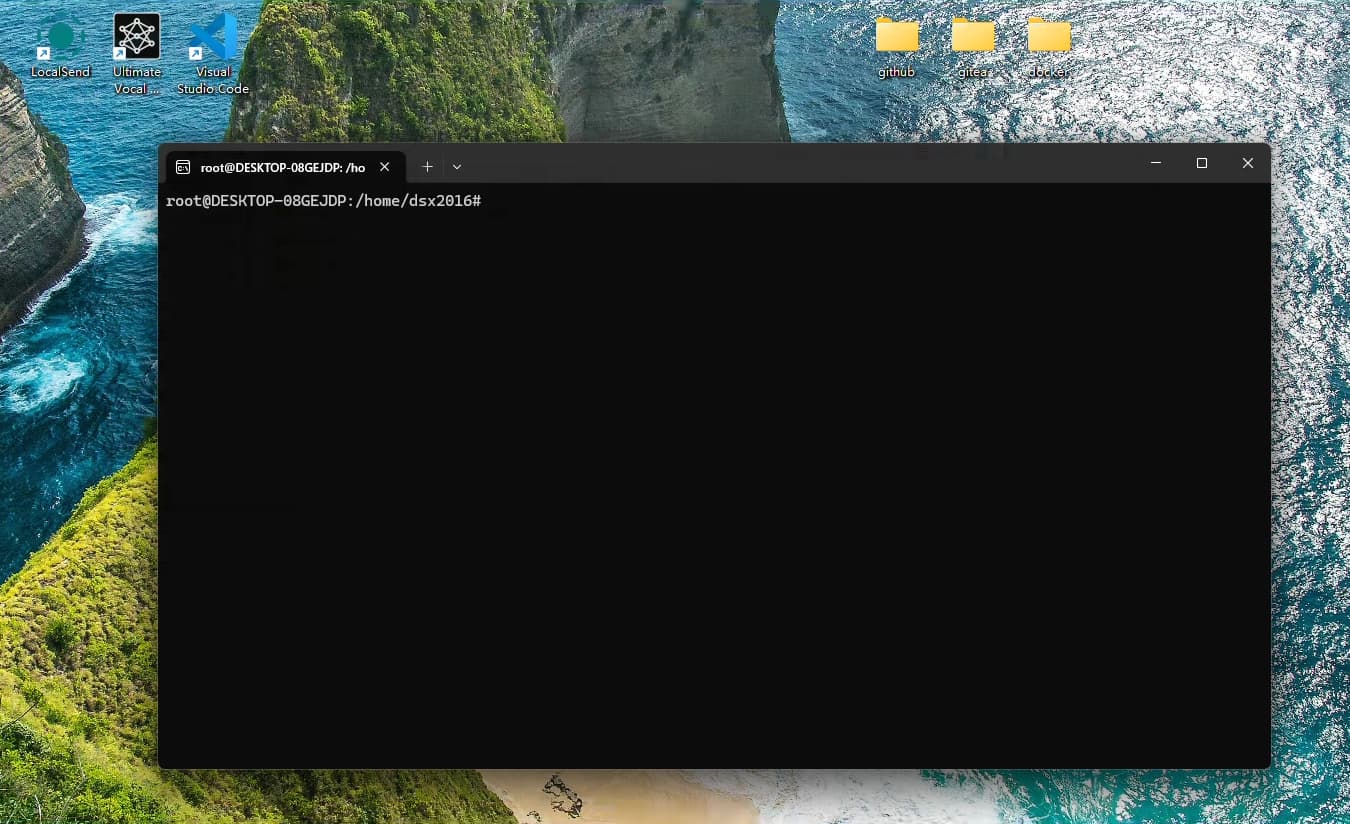
Because after all these years, I’m still a homelab novice. I need a visual desktop interface for convenience and speed. I also need the Windows software ecosystem for compatibility with future GUI applications or other services. Additionally, Windows 11 supports WSL2, allowing me to install Linux distributions like Ubuntu Server 24.04 on Windows. Installing Windows on Linux, however, feels a bit odd (though PVE can do it, it’s too geeky and inconvenient for beginners).
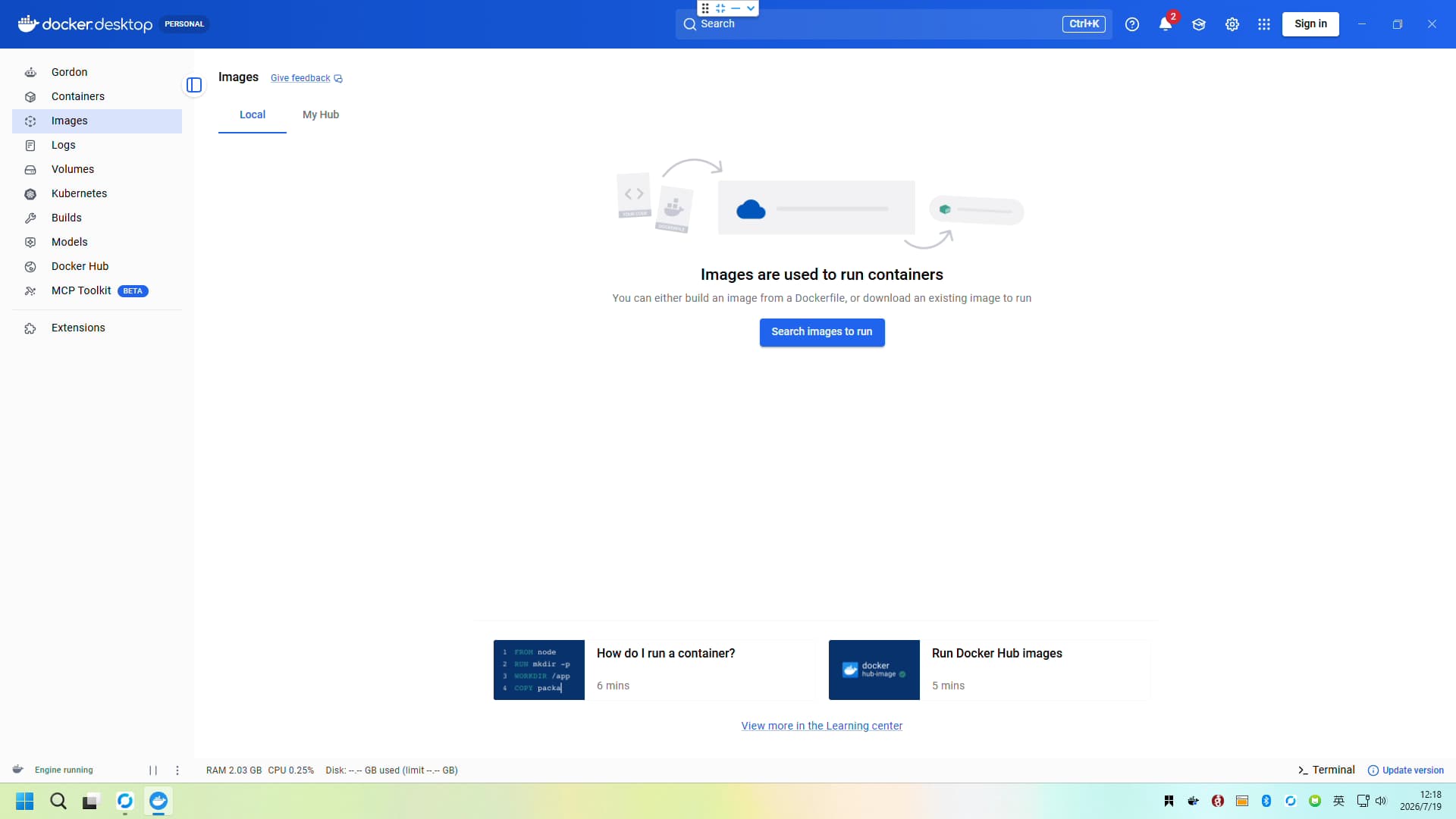
docker desktop
I should have prioritized describing Docker Desktop; it’s more convenient than WSL2 Linux (Ubuntu Server).
However, for some reason, Docker Desktop on my mini PC’s Windows installation runs normally, but when I try to install open-source servers like Miniflux using docker compose, it consistently throws errors or encounters incompatibilities, preventing the applications from starting correctly (Docker Desktop on my main Windows PC works perfectly without any issues).
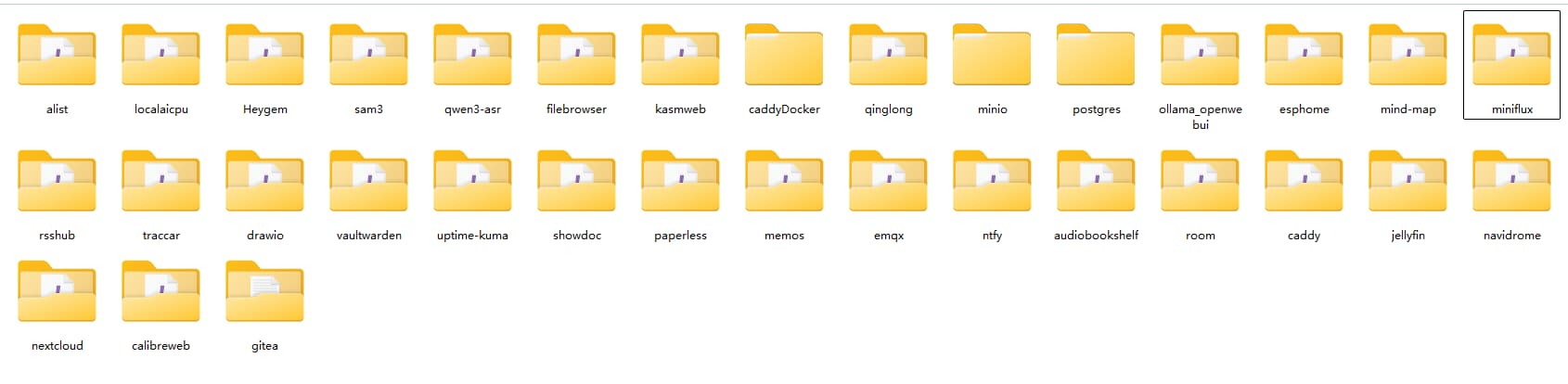
So, I had to abandon Docker Desktop and switch to WSL2 Linux. After testing, WSL2 Linux is very stable and doesn’t have any strange quirks.
Installing Miniflux
The first thing I set up on my homelab mini PC was an RSS reader to build my own information source.
Recommendation: miniflux
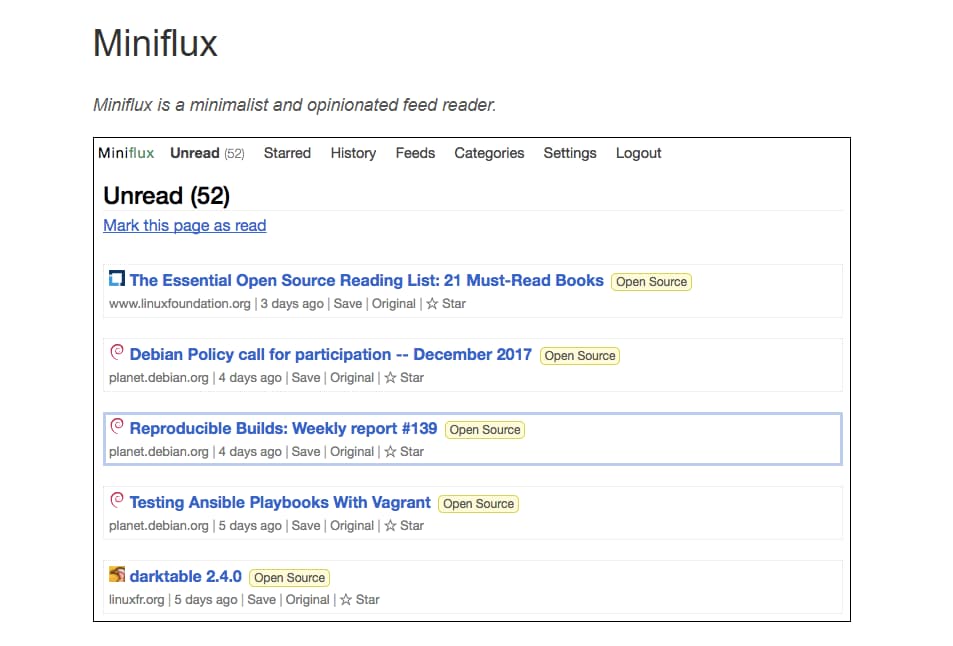
An open-source, minimalist RSS application that can be self-hosted with Docker.
Refer to the official documentation: miniflux.app
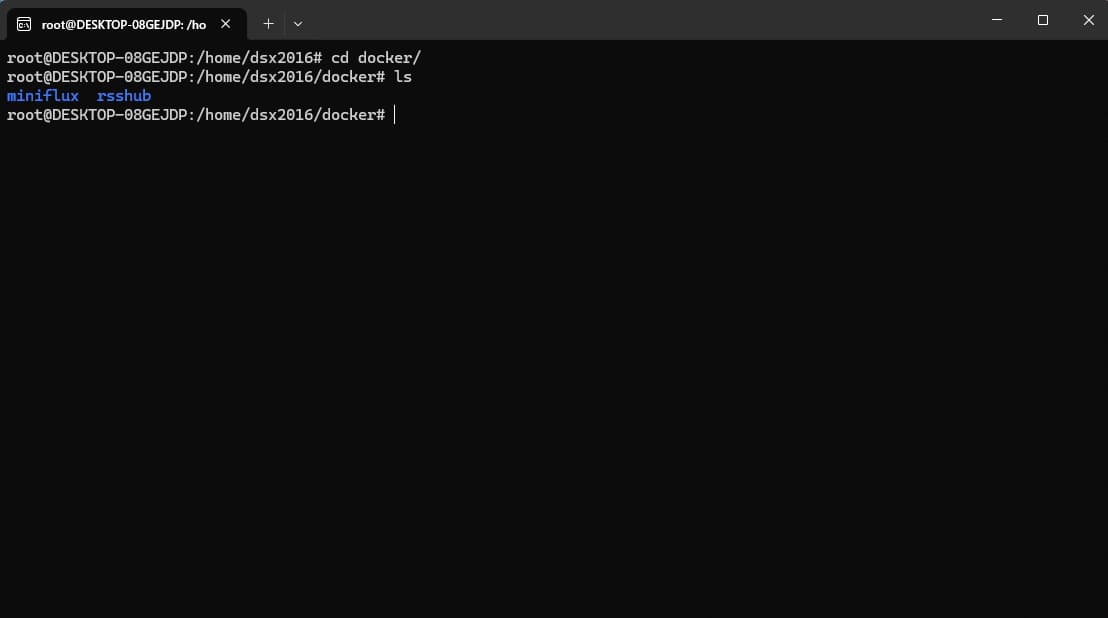
Actual Results
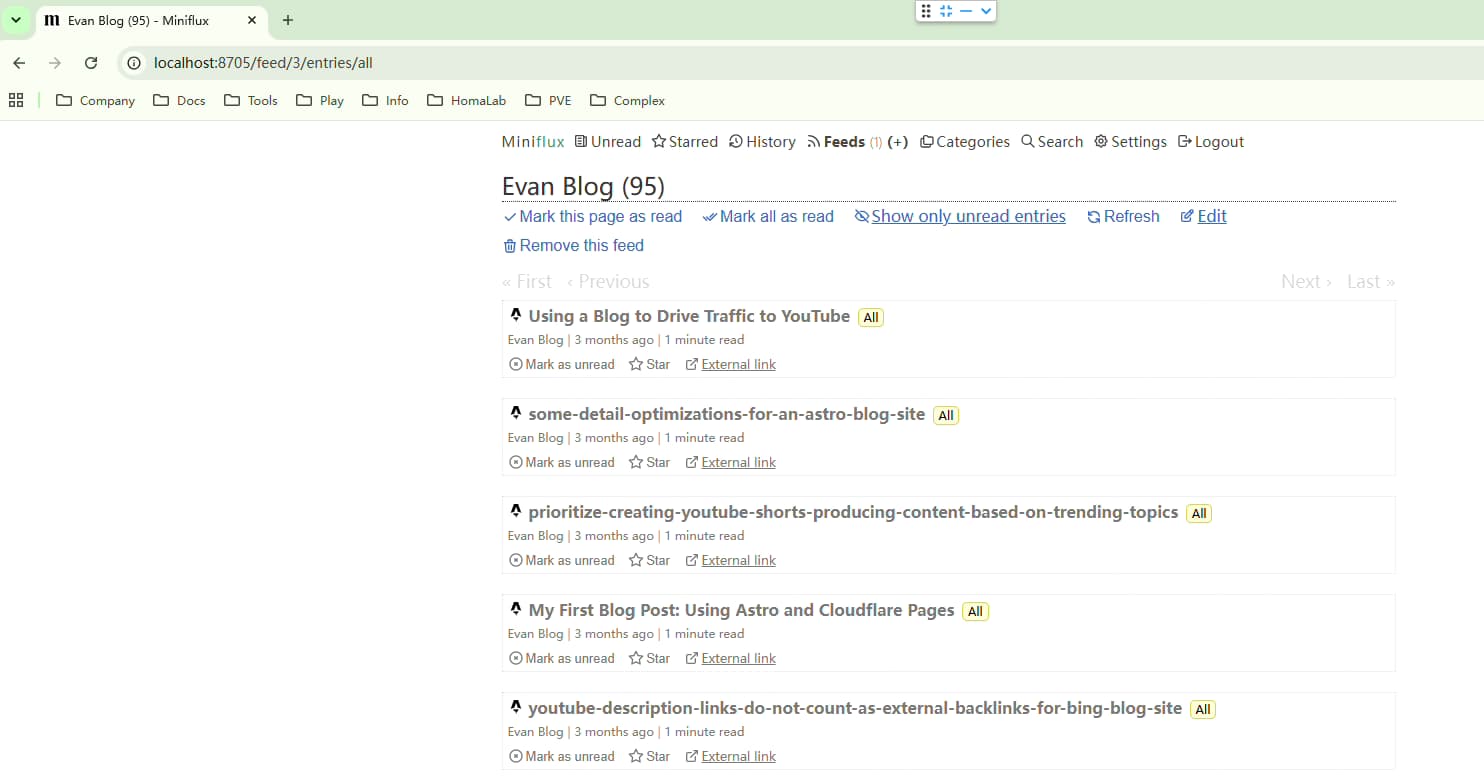
Here are the actual results of my deployment, for example, subscribing to my own blog: