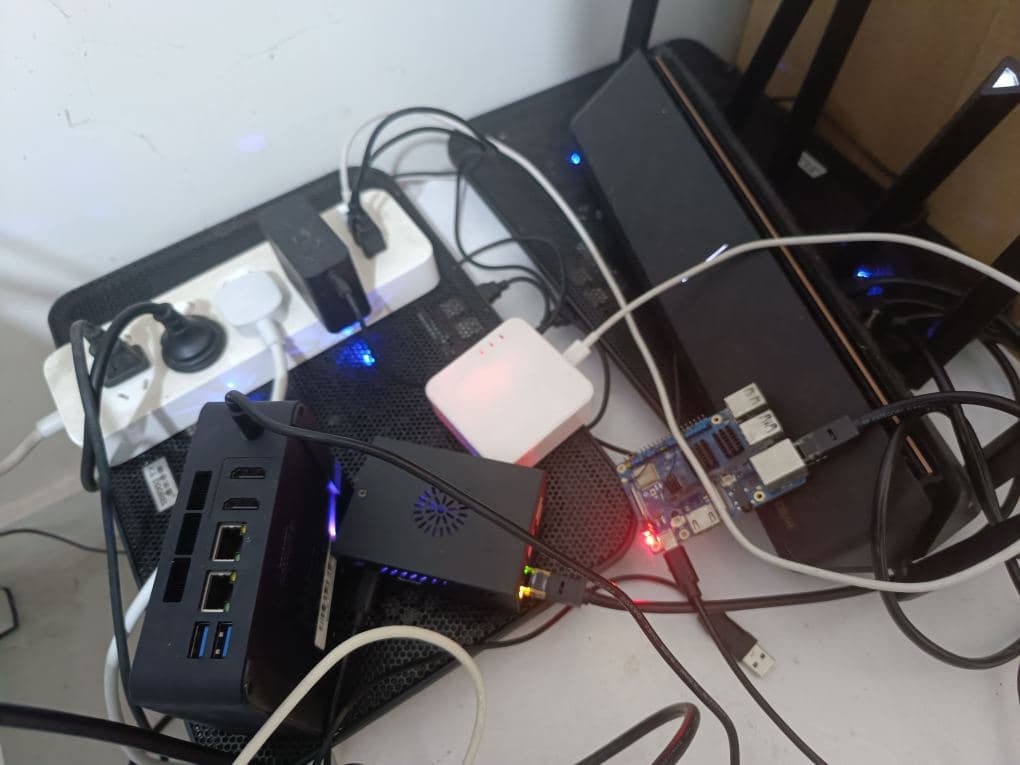
Orange Pi 3B 2GB
Raspberry Pi 3B 1GB can install the Home Assistant system.
Raspberry Pi 4B 2GB can also install the Home Assistant system.
Similarly, the Orange Pi 3B has similar performance to the Raspberry Pi 4B, and its 2GB version can also be used to install the Home Assistant system.
With 2GB, it’s difficult to run memory-intensive open-source services, apart from some static files. If you can only install one or two Docker applications, it’s not as good as a complete system like Home Assistant, Pi-hole, Nextcloud, etc.
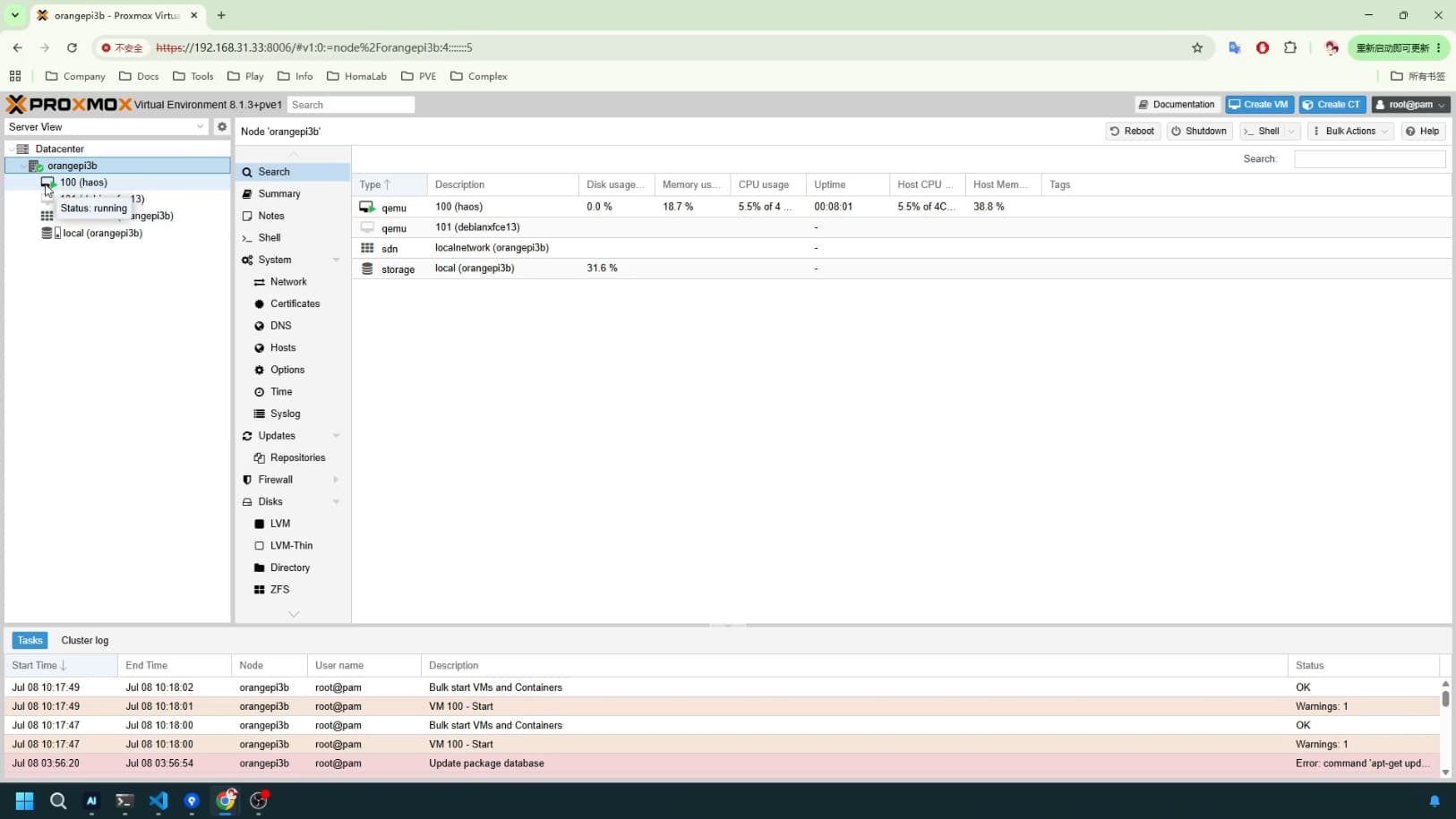
My choice is to install the official Orange Pi Debian system or Armbian system, then install the ARM version of PVE, and finally install a complete HA system on PVE.
Why PVE?
PVE officially does not support ARM; I installed the ARM PVE provided by the community.
Because Home Assistant has several installation methods:
One is Docker installation, but it lacks an app store.
Another is Python installation, which also lacks an app store and some core functionalities.
One method is flashing the entire system onto a TF card. While fully functional, for me, it’s inconvenient to adjust content and disk capacity, and inconvenient for backups.
The last method is installing HA as a virtual machine on PVE. What I value is the ability to set system snapshots and backups for it at any time using PVE, directly backing up the entire system, restoring it at any time, and quickly reverting to a specific backup snapshot if issues arise. Furthermore, I can allocate CPU cores, specific memory, and disk space to it via PVE. If it’s not enough, I can increase and dynamically adjust them. If it’s still not enough, I can migrate it to another higher-performance development board, such as an Orange Pi 3B 8GB or others.
Currently, the Armbian system occupies 200MB of RAM, PVE occupies 200MB of RAM, and HA occupies approximately 800MB of RAM, totaling about 1.5GB of RAM, which is just enough to start HA normally.
With an app store, you can install HA plugins, add extensions, and gain many practical features.
If you have a higher-performance development board, you can install HA and Ubuntu Server on PVE. HA would be used for smart home functions, while Ubuntu Server would deploy MQTT and voice control, etc. Both would assist and integrate with each other within the same PVE internal network. If you were to flash to a TF card, you would need two development boards to achieve this, which is neither convenient nor cost-effective.
ESPHome
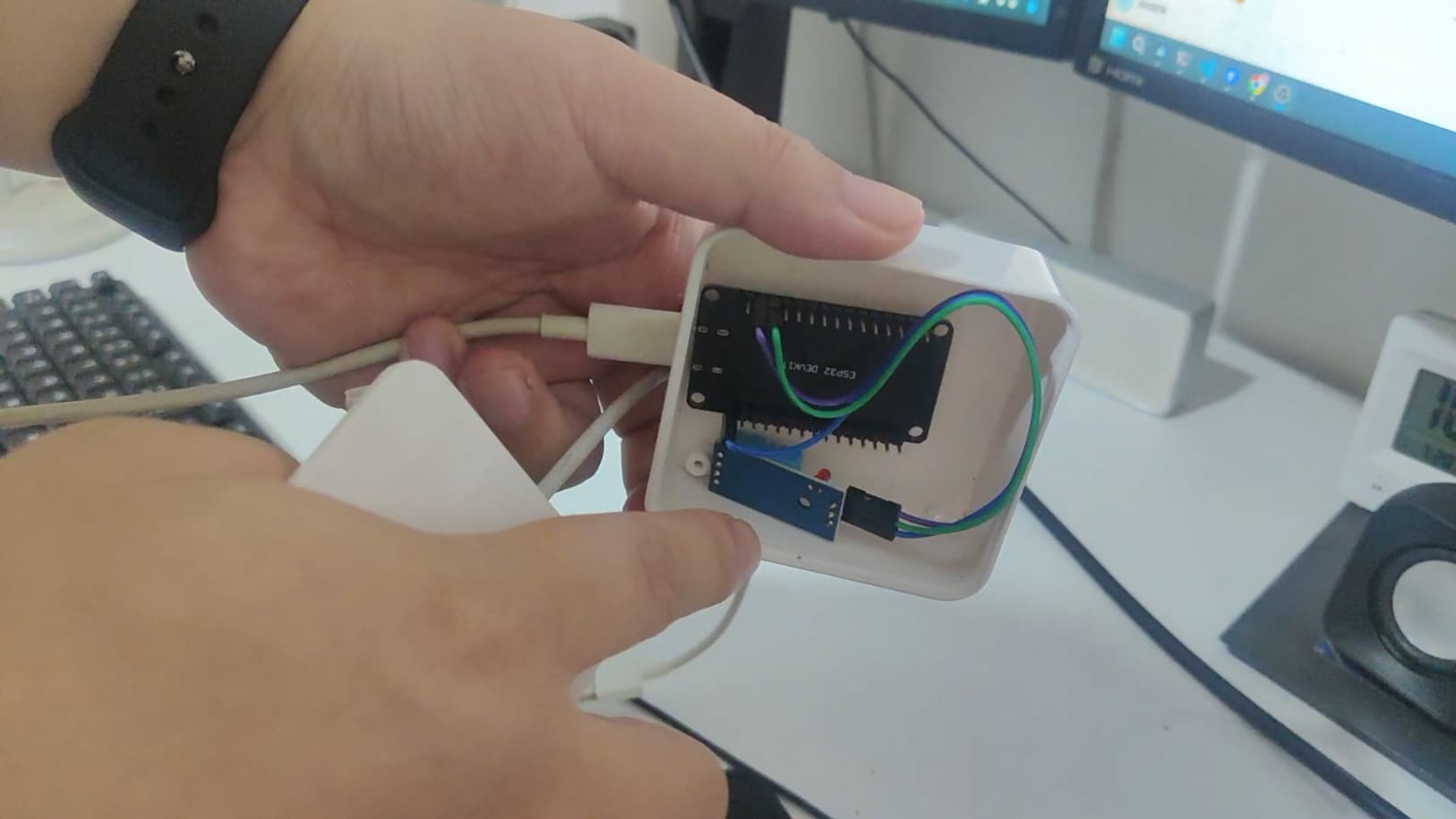
HA combined with ESPHome is the fastest and most convenient way. For example, placing ESP32 and DHT11 temperature and humidity sensors in each room (living room, kitchen, bedroom, bathroom, etc.) allows you to view real-time temperatures, historical temperature charts, and even link temperature with air conditioning, such as turning on/off the air conditioner or fan when a certain temperature is exceeded.
You can also check the ambient temperature around your homelab equipment, especially in summer, to prevent fires, etc.
Other Sensors
Currently, I find temperature and humidity sensors most useful, followed by air quality sensors, light sensors, relays, etc.
Light sensors can detect light switches at home or be placed outside a window to sense sunrise and sunset. Air quality relates to physical comfort and health, etc.