Downloading the Offline Version of ComfyUI
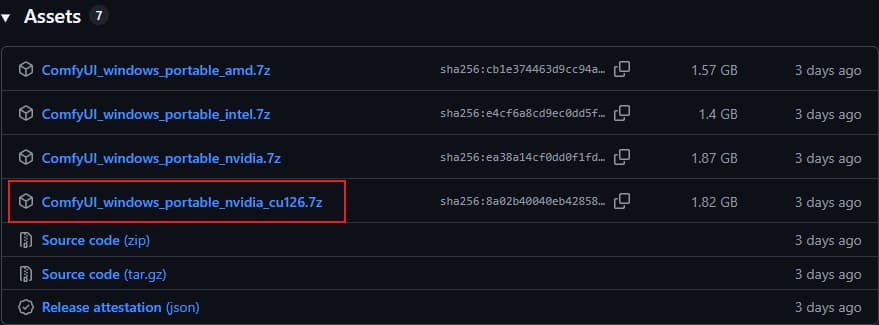
GitHub Link: ComfyUI_windows_portable_nvidia_cu126.7z
Since I have an NVIDIA graphics card, I downloaded the version labeled “nvidia.” Additionally, it is recommended that your driver supports CUDA 12.6 or the latest version.
Select the file highlighted within the red box; this version is suitable for my RTX 3060 12GB graphics card. My current driver supports CUDA 13.1 (which is backward compatible with 12.6).
Checking Your Graphics Card Information
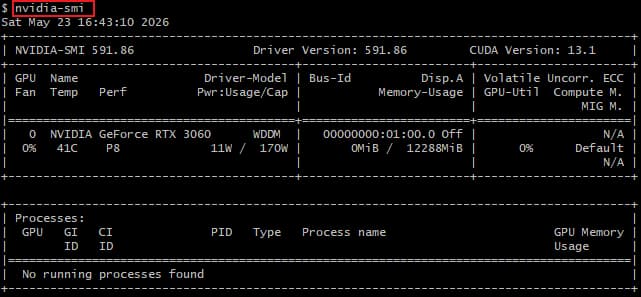
Enter the command nvidia-smi in the Command Prompt (cmd).
You can now view your graphics card details:
Driver Version: 591.86 CUDA Version: 13.1 NVIDIA GeForce RTX 3060
Extracting the Files
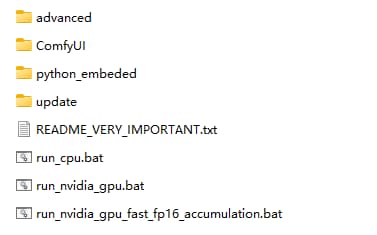
I used 7-Zip to extract the downloaded ComfyUI_windows_portable_nvidia_cu126.7z file.
The extracted directory structure looks like this:
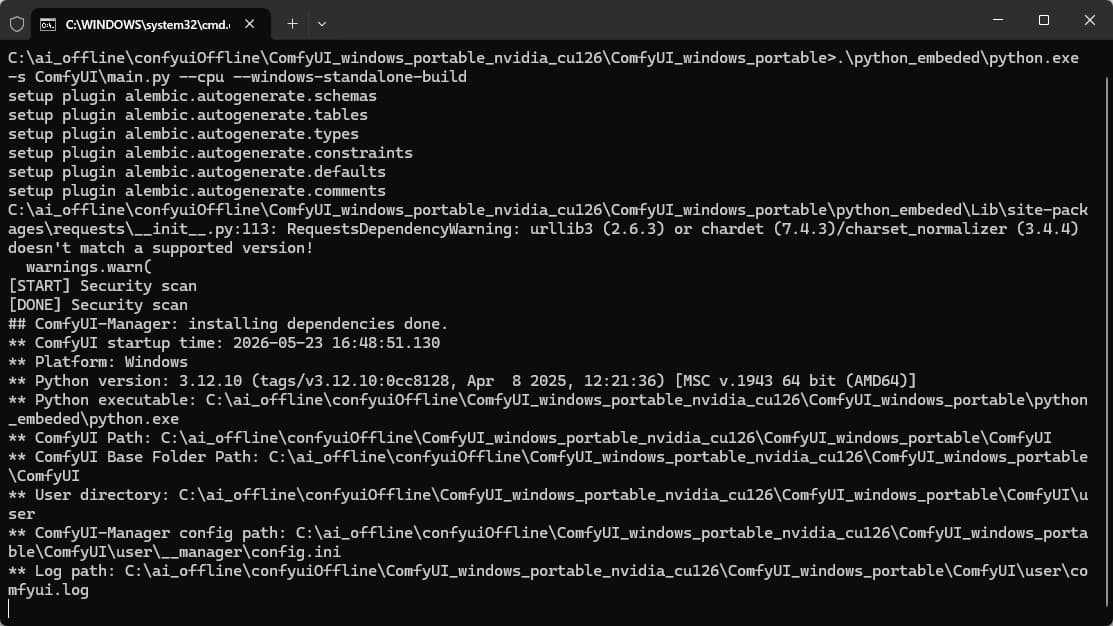
Launching ComfyUI
Double-click to open. run_nvidia_gpu.bat
This script will automatically launch a terminal window; please wait a moment while it loads.
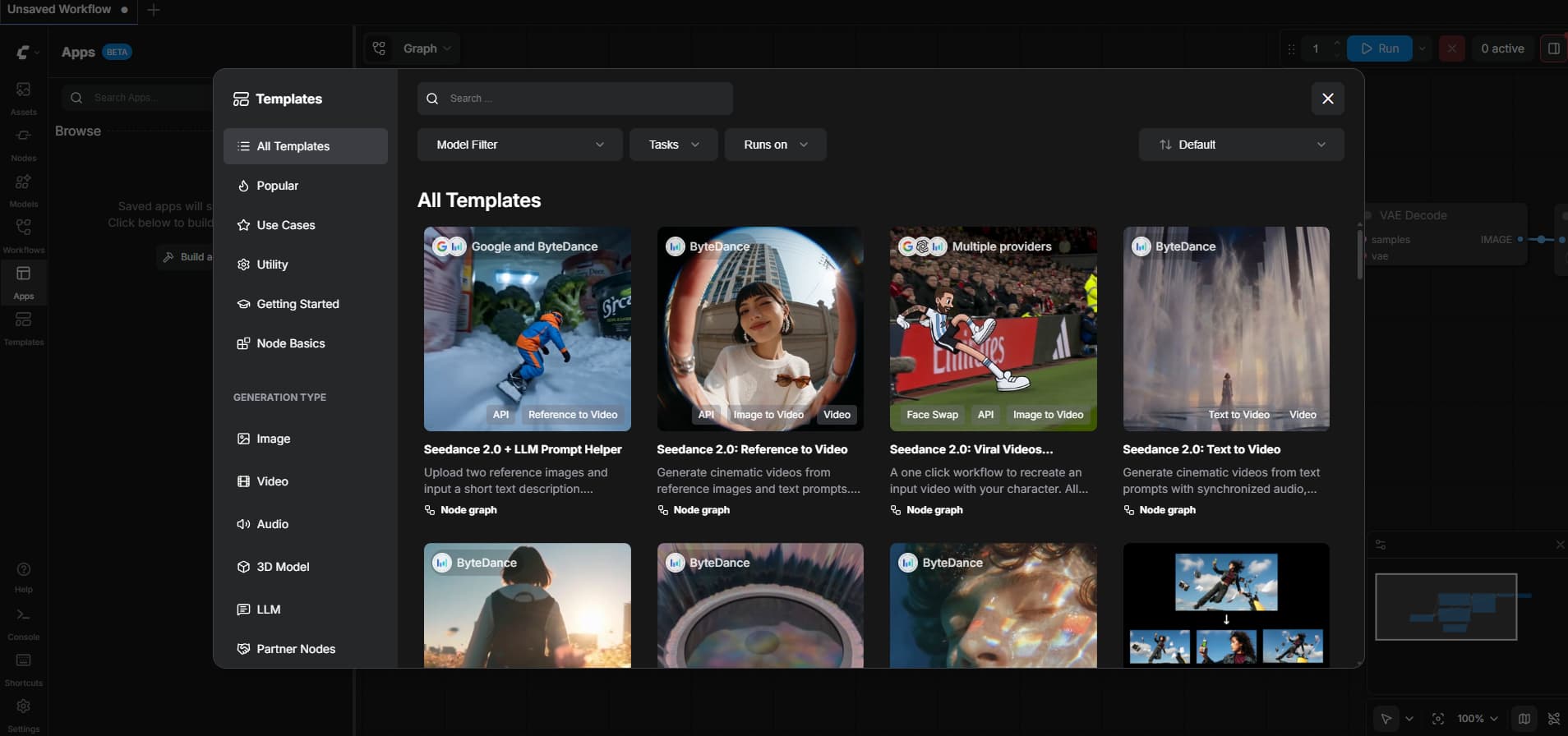
Once loading is complete, it will automatically open a web page in your browser—for instance, at http://127.0.0.1:8188/.
The first time the page opens,
it will display the official default template.
If you refresh the page or open it a second time, the template introduction will no longer appear due to caching.
You can now close the default template and proceed to import your own custom workflows—for example, the LTX2.3 workflow.
Workflow Demonstration
The LTX2.3 Workflow
Why opt for the custom LTX2.3 workflow files found online instead of using the official templates?
The reason is that the official templates are relatively basic; for instance, they are often optimized exclusively for GPUs with large VRAM capacities (24GB or more), making them completely unrunnable on graphics cards with only 12GB of VRAM. Furthermore, custom workflows typically incorporate more detailed optimizations than the official versions—such as consolidating multiple functions into a single workflow—thereby eliminating the need to split tasks across separate workflows and resulting in a simpler, more streamlined user experience.
Since this article is already quite lengthy, a separate article and video tutorial will be created specifically to demonstrate the LTX2.3 workflow in detail.
Click the link below to view it.