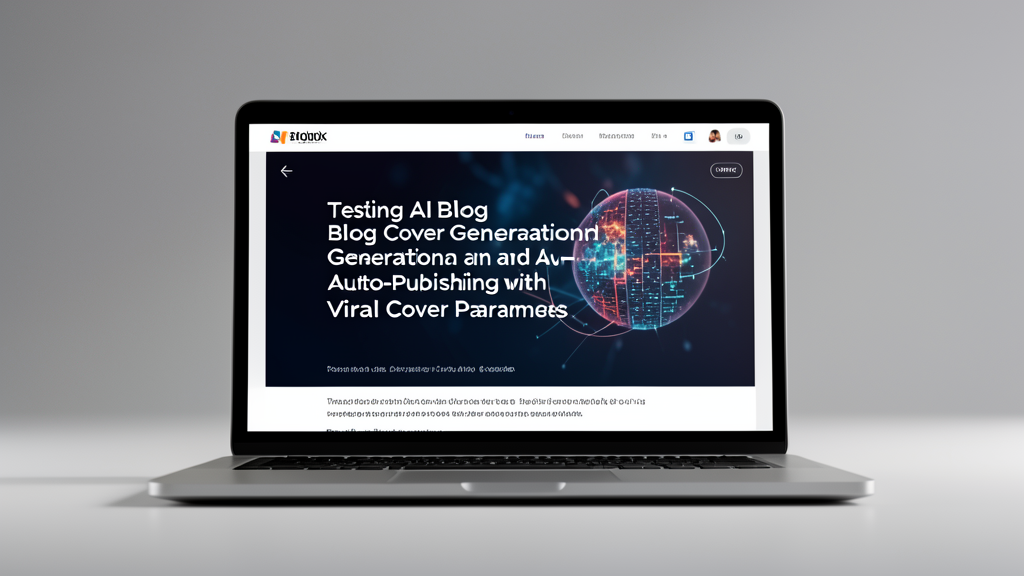
Cover Image Test
You can write a blog post without accompanying images for the paragraph text.
However, it needs a cover image that can instantly convey the article’s content.
Just like YouTube video click-through rates, which are usually determined by the visual appeal of the thumbnail. If the cover image isn’t effective,
then clicks on the content will decrease.
This time, I created the cover so that when sharing the article on X (Twitter), there would be an image with a link.
This way, users can click the image to directly jump to the blog post.
Even if they don’t click, the image is a good medium that integrates the article’s content; just looking at the shared image is enough.
Cover Image Process
First, I let a large LLM organize the article content into a text-to-image prompt.
This avoids using the entire article content as a prompt, which would be unclear and waste too much AI computational power (equivalent to wasting money).
Then, I let the text-to-image model generate the corresponding article cover based on the prompt.
Finally, I inserted the URL of the generated cover image into the Astro.js Markdown source code of this article.
This way, when sharing the article on X, X will automatically parse and display the cover image.
Model Selection
Currently, for translation, prompt generation, and text-to-image generation, I’m using Gemini’s free API model.
However, it’s easy to exceed the limits; I just tested the feature, and my quota ran out.
At the same time, I’ve also prepared a local text-to-image model, because my graphics card only has 6GB of VRAM.
I could only choose the FLUX.2 klein 4B GGUF solution, and the results so far are pretty good.
If I had more VRAM, I would definitely use a larger and better model. It’s a pity, but for now, I’ll stick with this one.
Test
This article is a test post for cover images, and I’m taking the opportunity to document it.