Preface
I am not very familiar with Astro; I only started using it yesterday, prompted by an AI.
I thought I had deployed my Astro project via Cloudflare Pages, but I only realized today that it was actually deployed on Cloudflare Workers.
I wanted to migrate to Cloudflare Pages, but I found that the deployment failed, and the site became inaccessible.
ChatGPT told me that Pages was a viable option—and even recommended it—whereas Gork suggested I use Workers, noting that Workers is the officially recommended method.
The previous AI recommendation was not reliable enough.
Official Documentation
https://docs.astro.build/en/guides/deploy/cloudflare/
The documentation recommends using Cloudflare Workers for new Astro projects and provides a migration path for Pages.

This means that if I had started out using Pages, I would have actually had to consider migrating to Workers later on.
I can only say that I had beginner’s luck—mistaking Workers for Pages turned out to be a happy accident.
Pages
When you click “Deploy,” you are directed to the Workers interface by default.
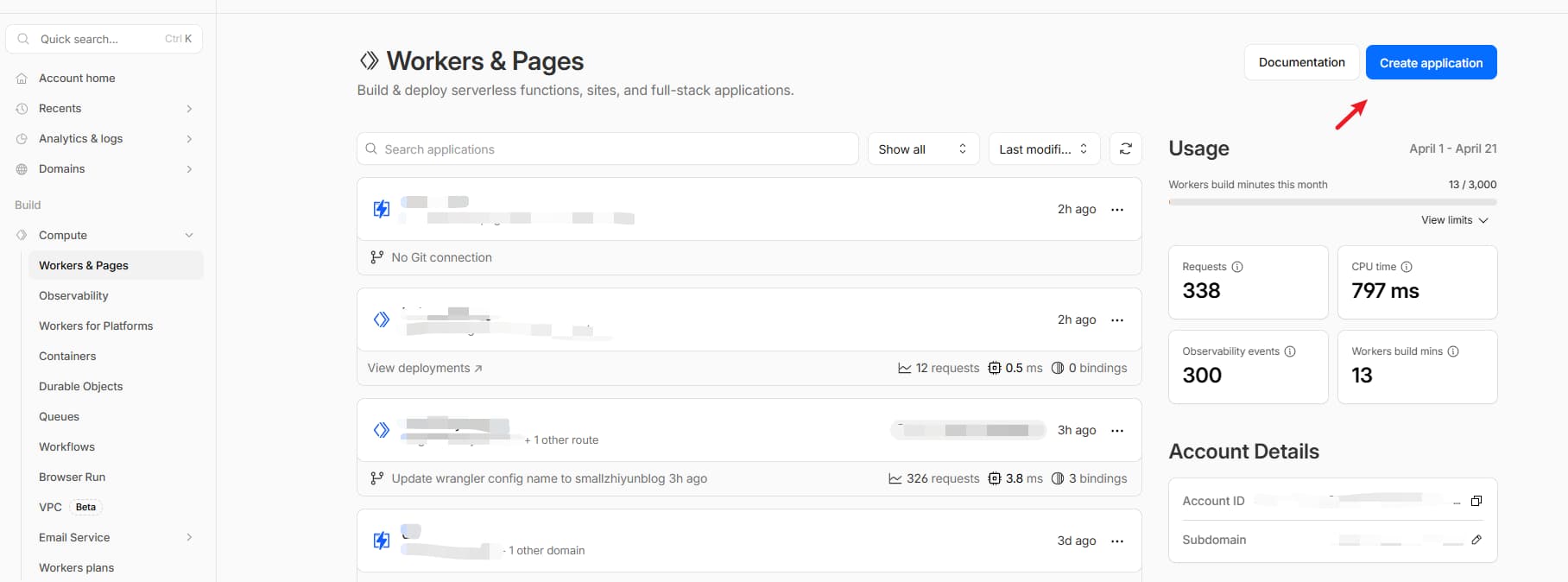
The Workers Interface
You need to click “Pages” at the bottom to access the Pages section.
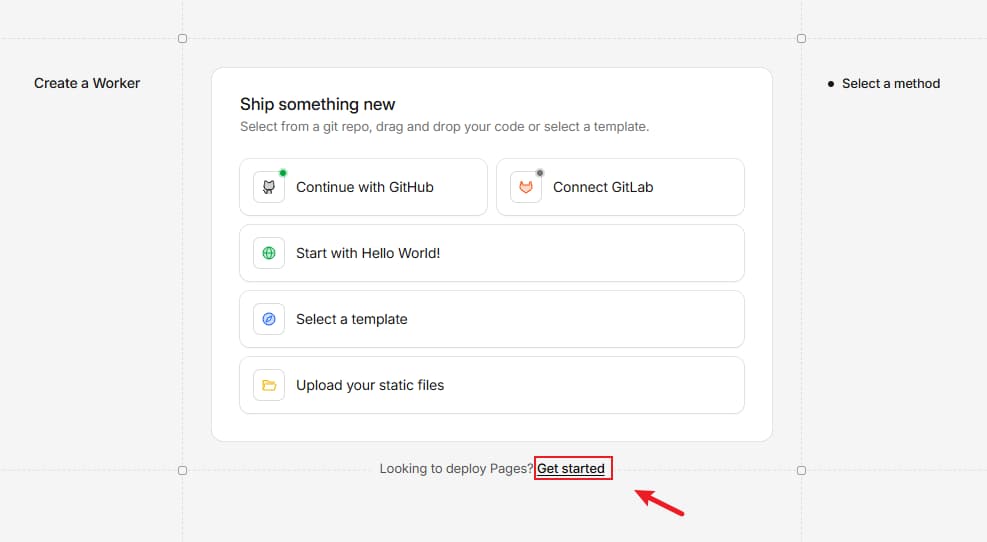
The Actual Pages
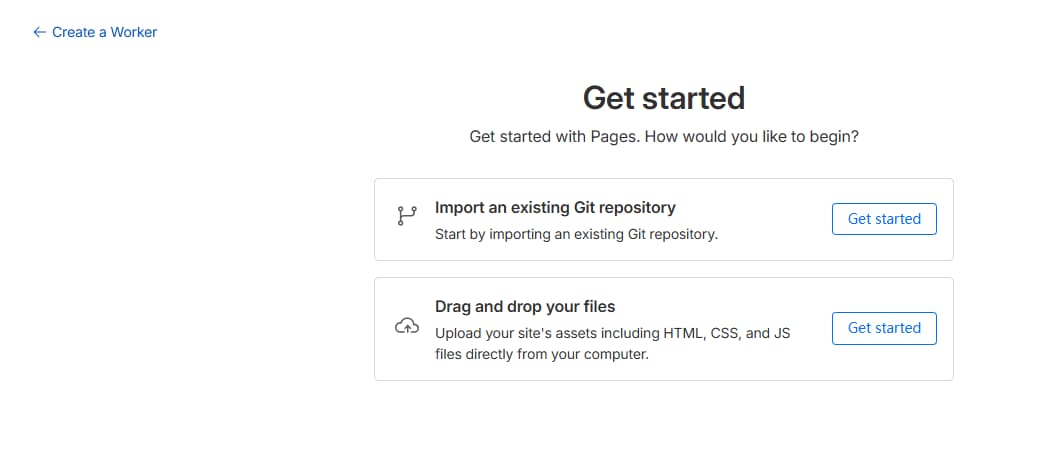
Latest Conclusion
For new Astro blogs or documentation sites, it is recommended to deploy directly to Cloudflare Workers.
If you are building a static website, Cloudflare Pages is the recommended choice (simply upload the dist folder directly).
For instance, I recently developed a new static Astro utility site to streamline the SEO formatting of titles and facilitate API submissions to Bing IndexNow.
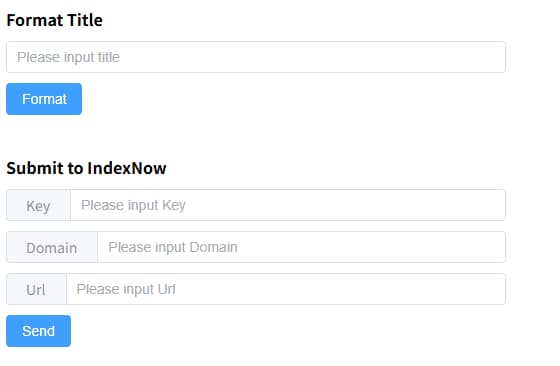
Website Address