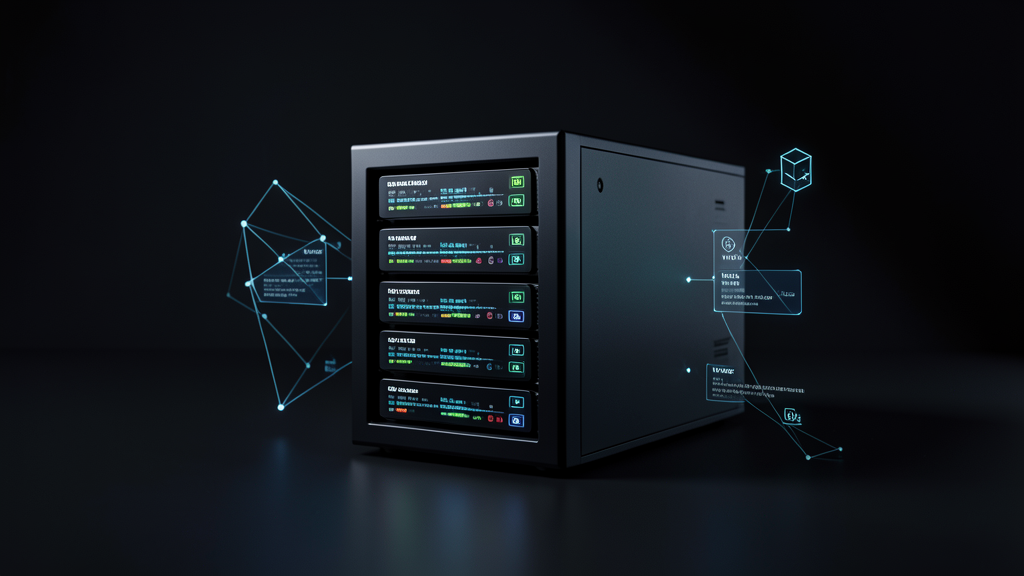
Mini PC Server
Currently, one of my cloud VPS servers is due to expire in half a month. With only 2GB of RAM, it can no longer meet my current server needs.
I have another cloud server with 4GB of RAM, but even that is insufficient. I plan to deploy a series of services, including but not limited to RSS, n8n, and PostgreSQL. Preliminary estimates suggest that more than 4GB of RAM will be required.
To facilitate future expansion, I intend to officially use a mini PC that has been sitting idle as a server. It currently runs Windows, so I will install WSL2 and Docker Desktop to deploy these services.
While Windows has its update issues and other drawbacks, its convenience is a major advantage. I am currently in an exploration phase, and if it proves unsuitable, I can repurpose the mini PC for desktop office use.
This mini PC has 16GB of RAM and a 512GB disk. I will use the cloud server’s network as a proxy, thus forming my daily application server.
The primary goal for this phase is to deploy RSS first, as I desperately need my own information stream to filter essential information from big data. Later, I plan to integrate AI for filtering, organization, and building my knowledge base.
RSS Comparison
Comparison of Three RSS Tools
| Feature | FreshRSS | Miniflux | Feedly |
|---|---|---|---|
| Type | Self-hosted RSS Aggregator | Minimalist RSS Server | Cloud-based RSS Service |
| Ideal User | Power users / Automation / Self-built systems | Developers / API Automation | General users / Information browsing |
| Deployment Method | Docker / VPS | Docker / VPS | Direct Registration |
| API Capability | Present, but average | ⭐⭐⭐⭐⭐ (Strongest) | Present, but with many limitations |
| Interface | Feature-rich | Minimalist | Most aesthetically pleasing |
| Automation Capability | ⭐⭐⭐⭐ | ⭐⭐⭐⭐⭐ | ⭐⭐⭐ |
| AI Integration | Easy | Easiest | Relatively difficult |
| RSS Management Capability | Strong | Moderate | Strong |
| Recommended Use | Information Hub | Data Pipeline Core | Information Discovery |
I previously used Miniflux, so I plan to prioritize its deployment this time. If it doesn’t meet my needs, I will consider FreshRSS or other solutions.
Other Content
The first issue I encountered with using the Windows mini PC
was that the pre-configured RustDesk could not access the desktop via password (even though my password was correct).
I had no choice but to reconnect the HDMI cable and mouse/keyboard cables to the mini PC and reset the password. Even after doing so, the password remained incorrect. It only started working inexplicably after I reset it several times.
A small tip: RustDesk is a free and open-source remote desktop solution. I have deployed my own relay server to improve connection speeds.
If both computers are on the same local network, it is recommended to use their IP addresses for access. Direct internal network connections are faster and do not consume bandwidth.
Today, I powered on the mini PC and selected the Win + WSL2 + Docker configuration. I then set up RustDesk for remote desktop access.
Tomorrow, I will install WSL2 and Docker Desktop, then deploy Miniflux using Docker Compose. After locally testing Miniflux without issues, I will configure the cloud server’s WireGuard. Once that is successfully set up, I will configure domain proxying to enable public access.