Local AI Large Language Models
Currently, I am using LM Studio, with my primary model being Qwen3.5-35B-A3B; it averages a generation speed of 20 tokens per second.
My RTX 3060 graphics card (12GB VRAM) is unable to run the local Gemma 4 large language model at a normal, usable speed.
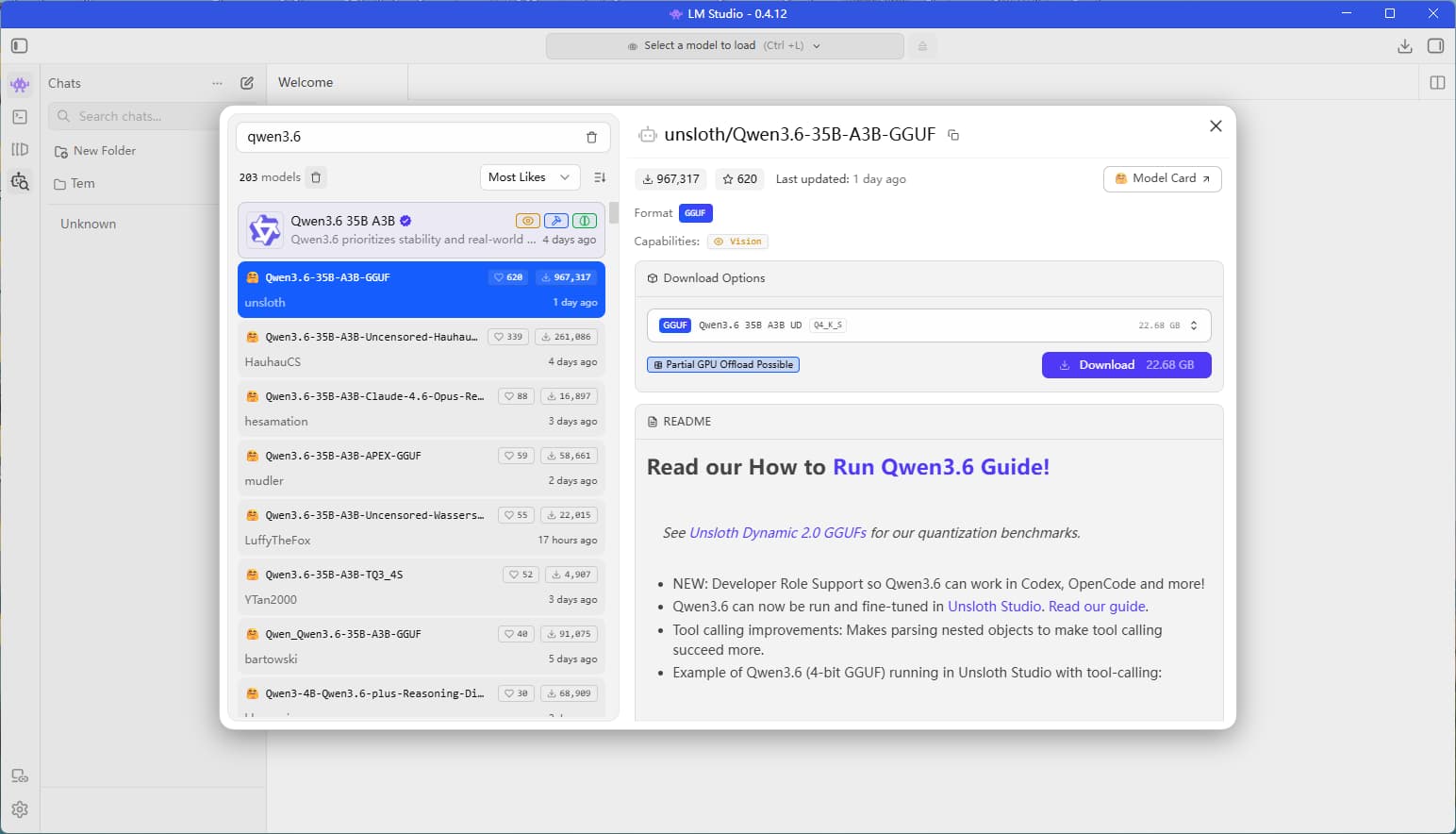
The most recent open-source local model release is Qwen3.6-35B-A3B, which I plan to test out today.
Update:
In reality, the RTX 3060 (12GB) cannot run Qwen3.5-35B-A3B at full, normal speed on its own, as the Q4-quantized model file alone weighs in at approximately 22GB.
To achieve a usable speed, one must enable optimizations such as CPU offloading—which is precisely why I chose to use LM Studio.
I have previously experimented with both Ollama and llama.cpp. The former lacks options for parameter tuning, while the latter is overly “geeky” and command-line intensive; furthermore, even after optimizing the command-line settings to their absolute limit, the resulting speed is roughly on par with that of LM Studio. Consequently, I find it much more convenient to stick with a tool that features a graphical user interface.
My Configuration
Running on my system, which features an RTX 3060 12GB graphics card and 64GB of DDR4 RAM:
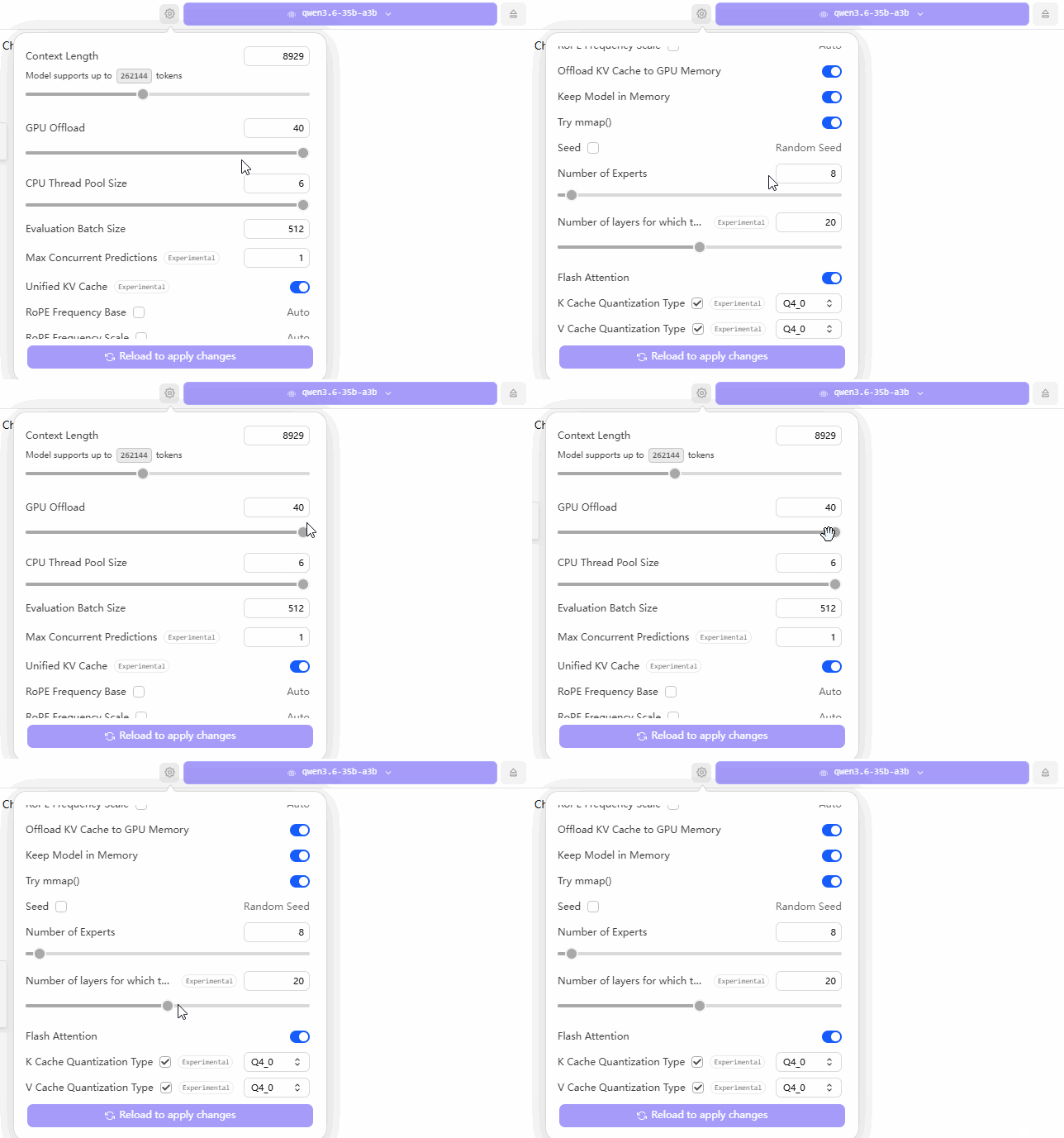
The GIF below illustrates my configuration settings within LM Studio. The core strategy revolves around two key adjustments: first, maximizing the “GPU Offload” slider all the way to the right (to utilize the entire GPU capacity); and second, keeping the “CPU Layers” count set at approximately 20—a figure I arrived at through extensive trial-and-error testing.
When configuring your own machine, you should experiment with various “CPU Layers” values—starting with numbers like 10, 11, 15, 20, or 30—until you identify the specific setting that yields the fastest performance for your local large language model. Although this process is time-consuming, it remains the most reliable method for achieving a stable and optimized setup.
Configuration Showcase
Using a Local Large Language Model
I’m not particularly well-versed in AI, so I haven’t bothered with benchmarking or comparing performance metrics.
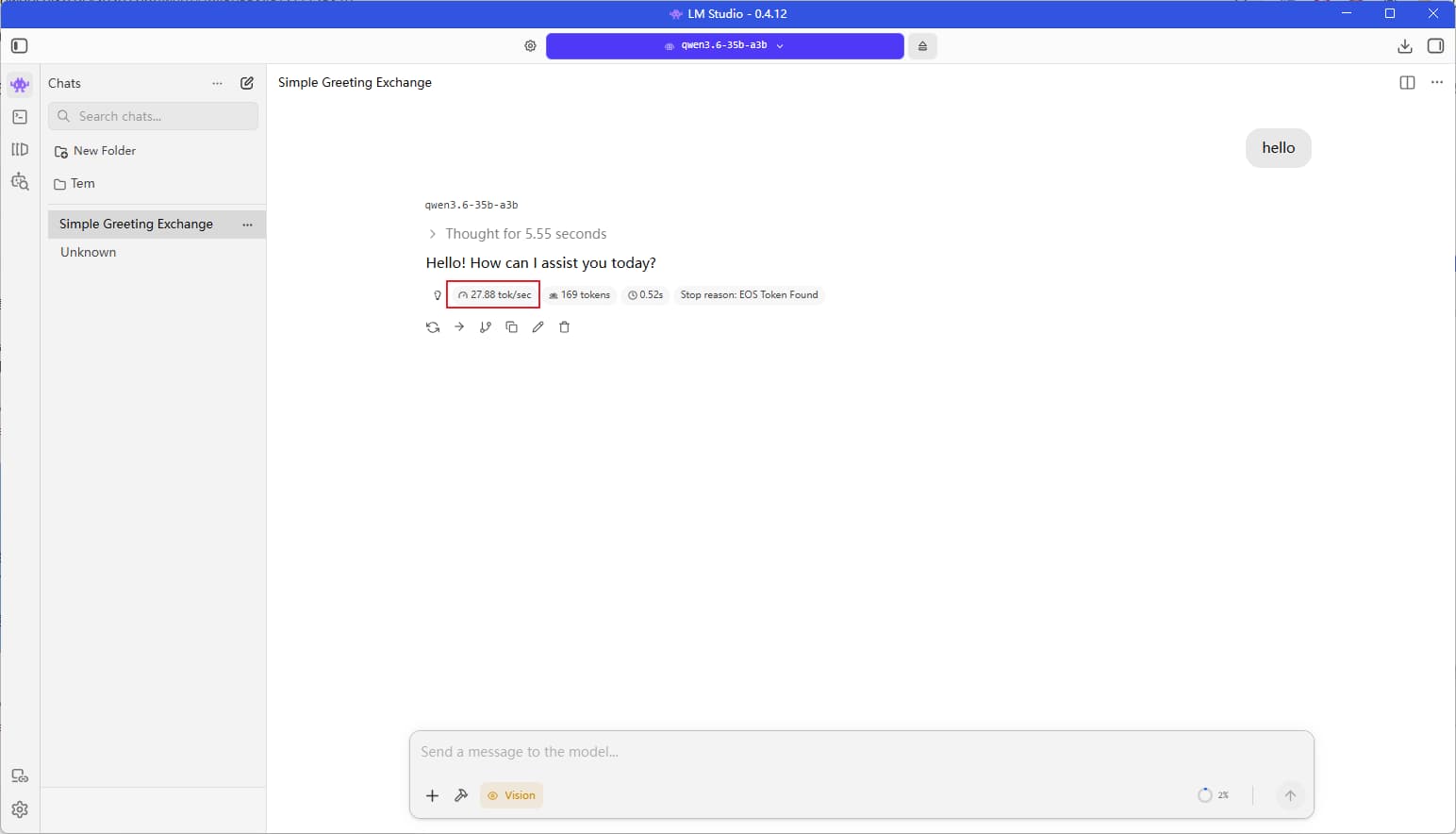
Below are the speed results from my testing—roughly 25 tokens per second.